Module 2 Formstorming

Weekly Activity Template

student name put a description here or you will lose grades


Project 2


Module 2

PLACEHOLDER TEXT, put a description here or you will lose grades

Activity 1
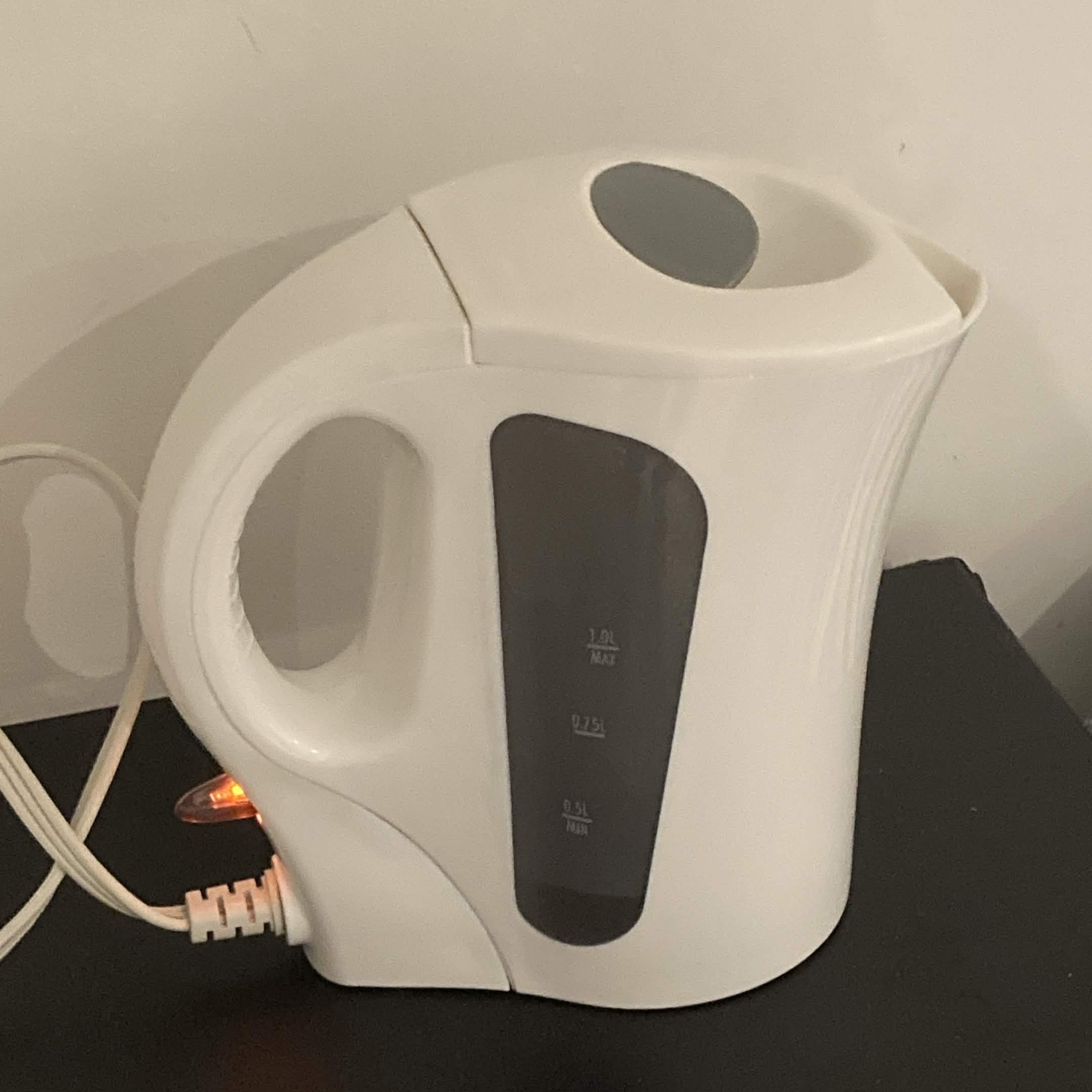
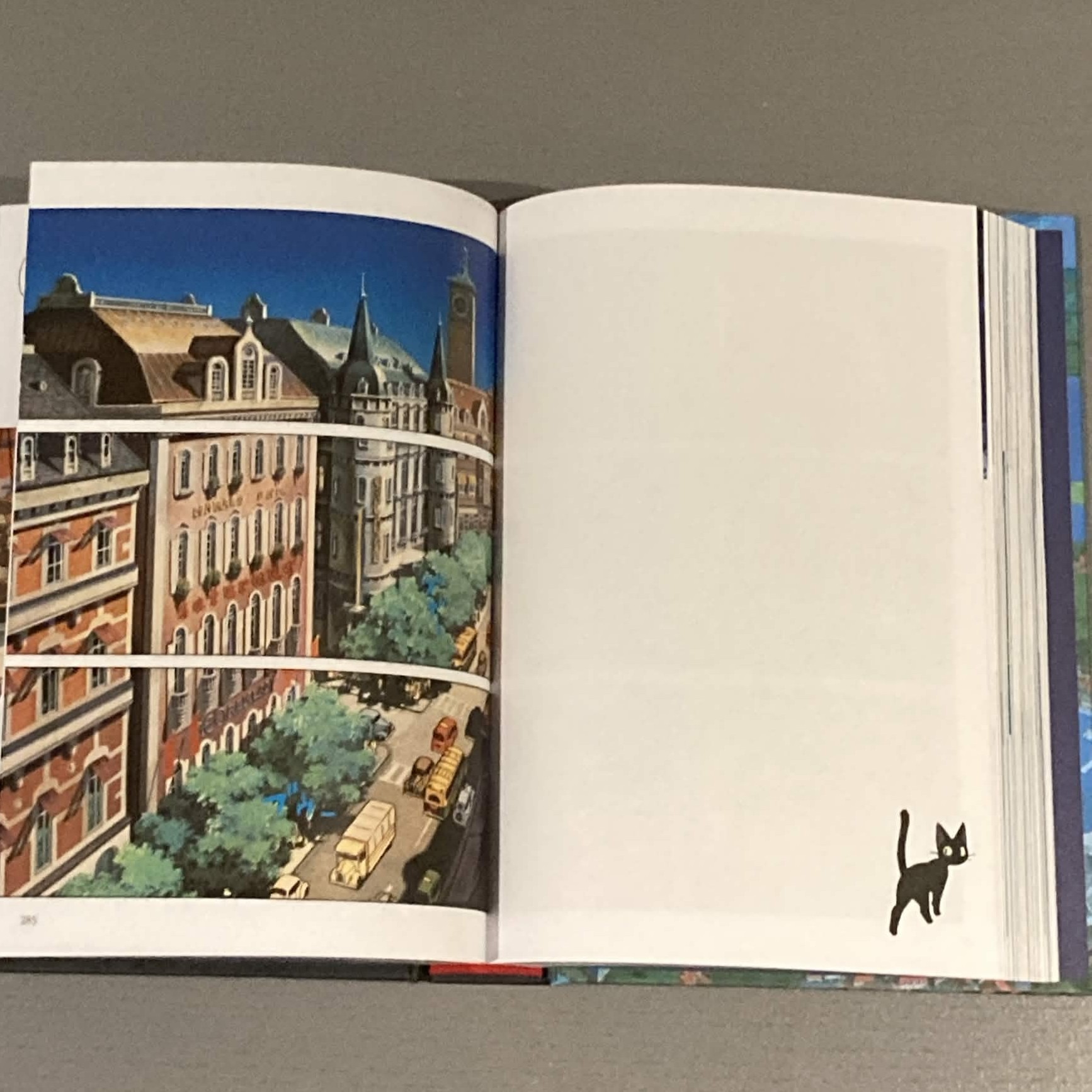
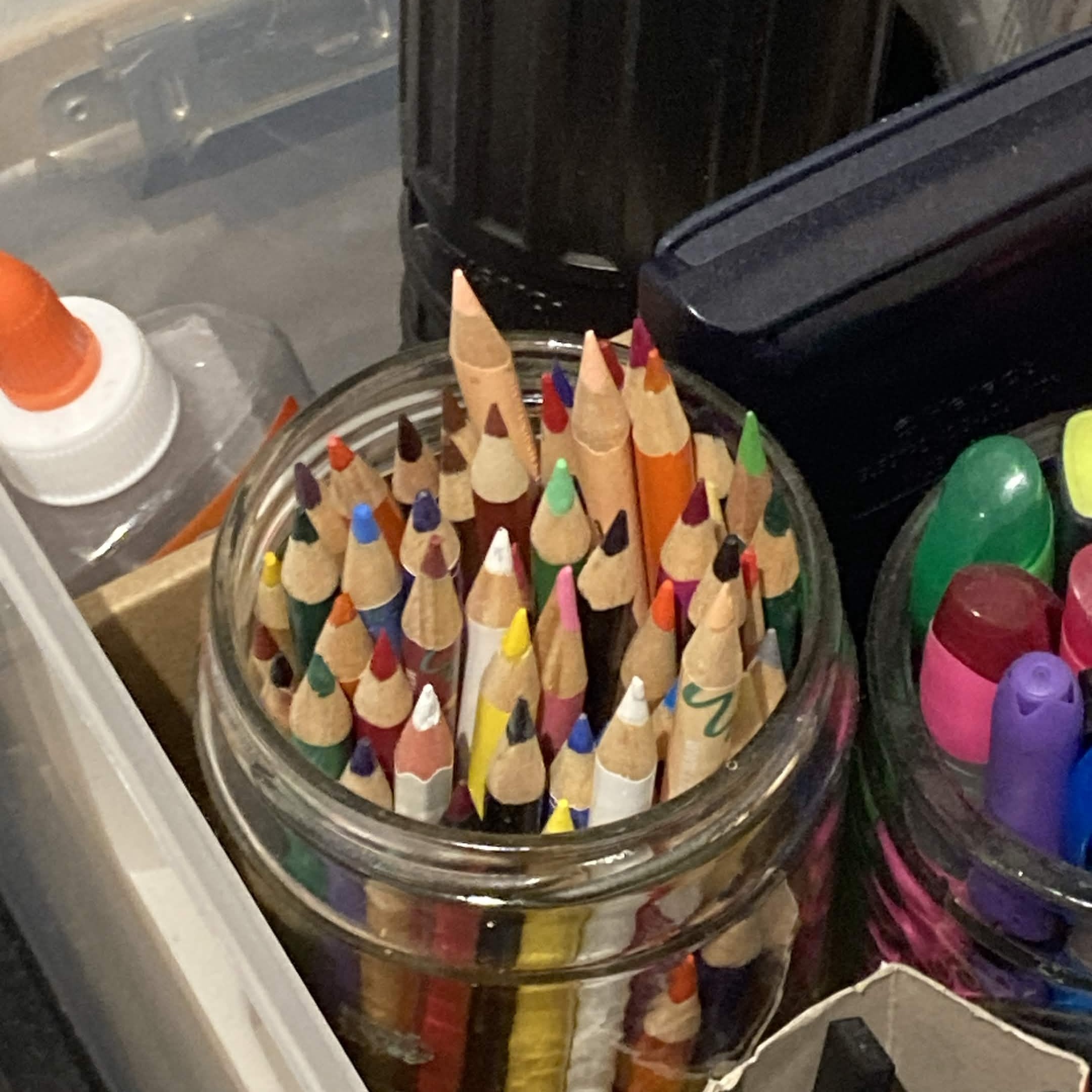
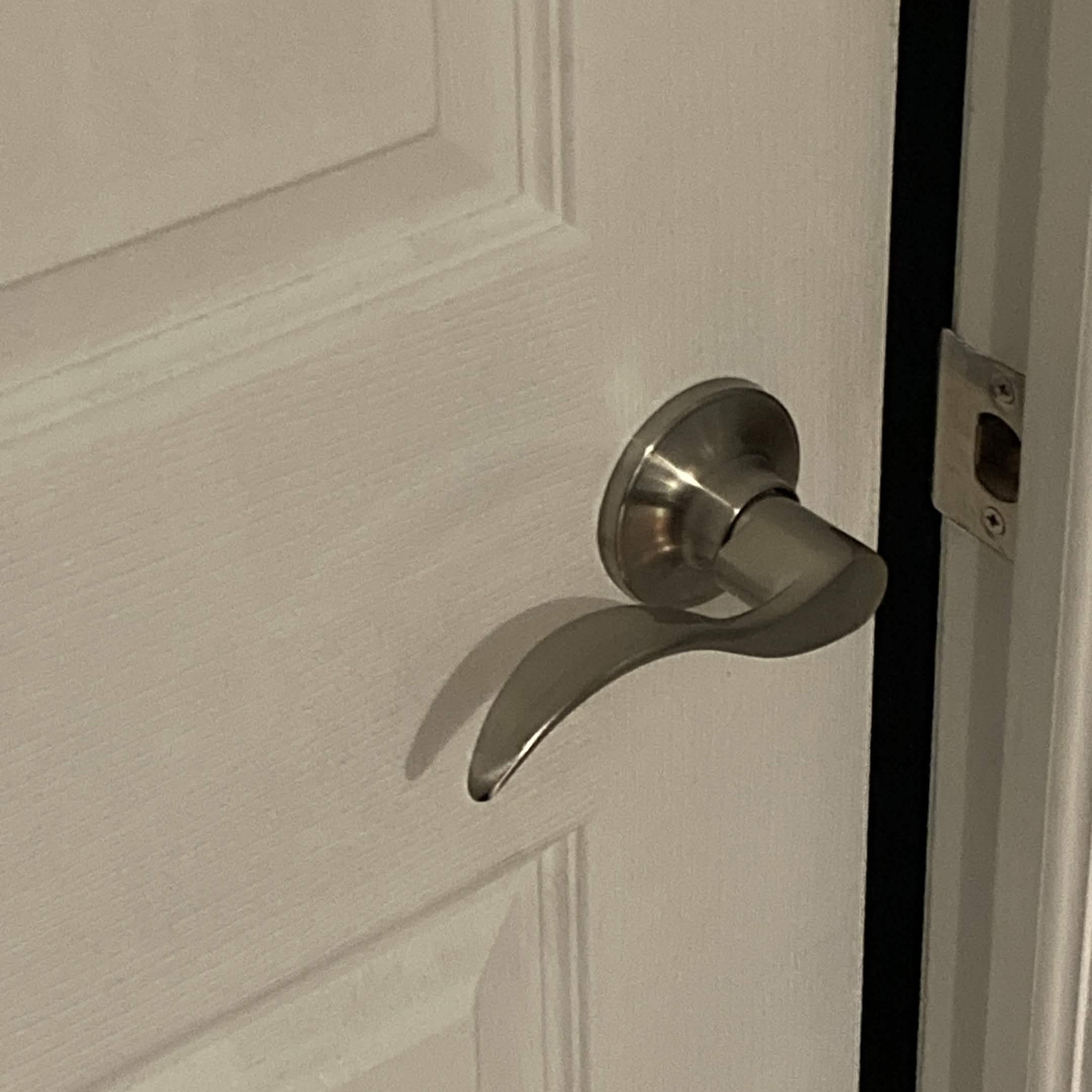
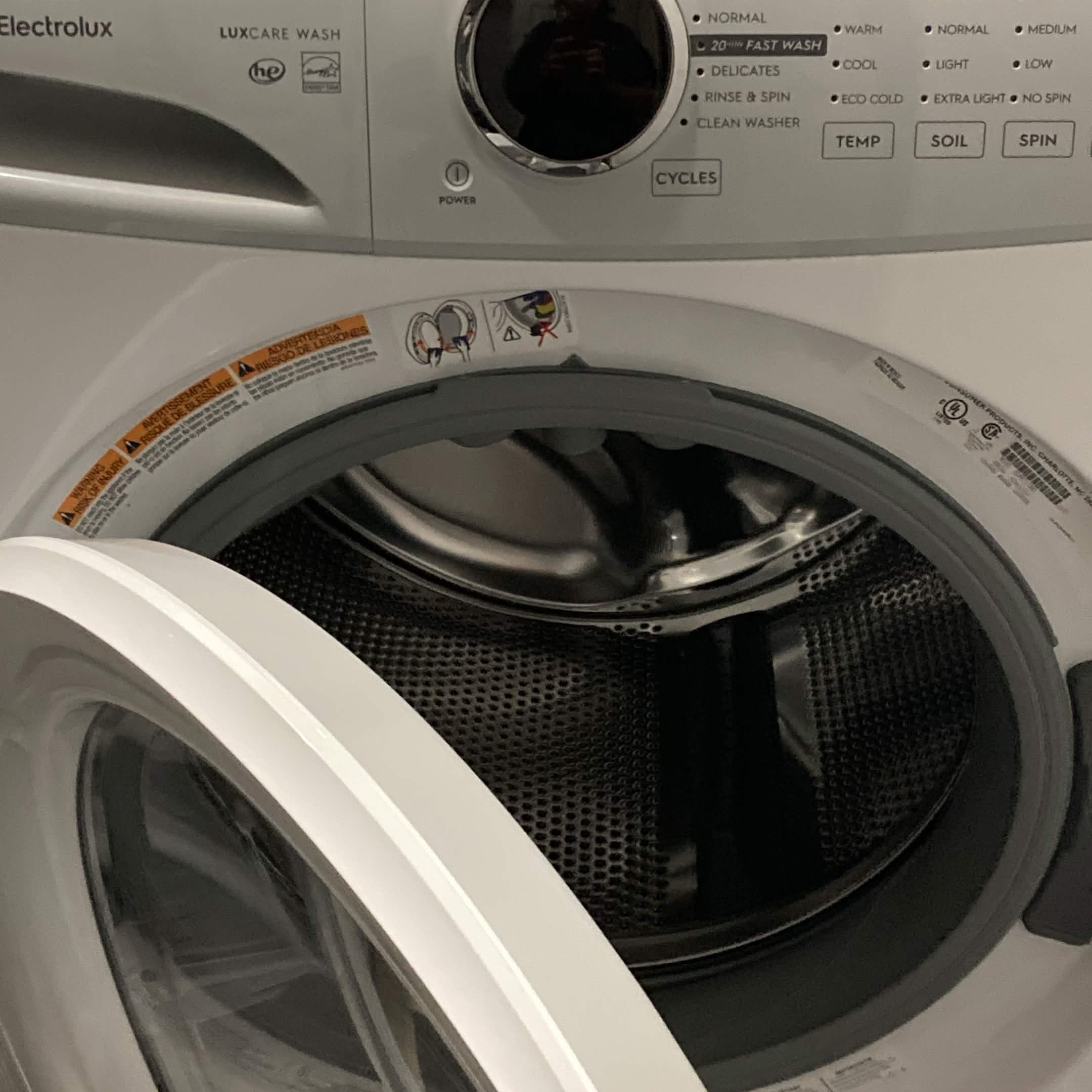
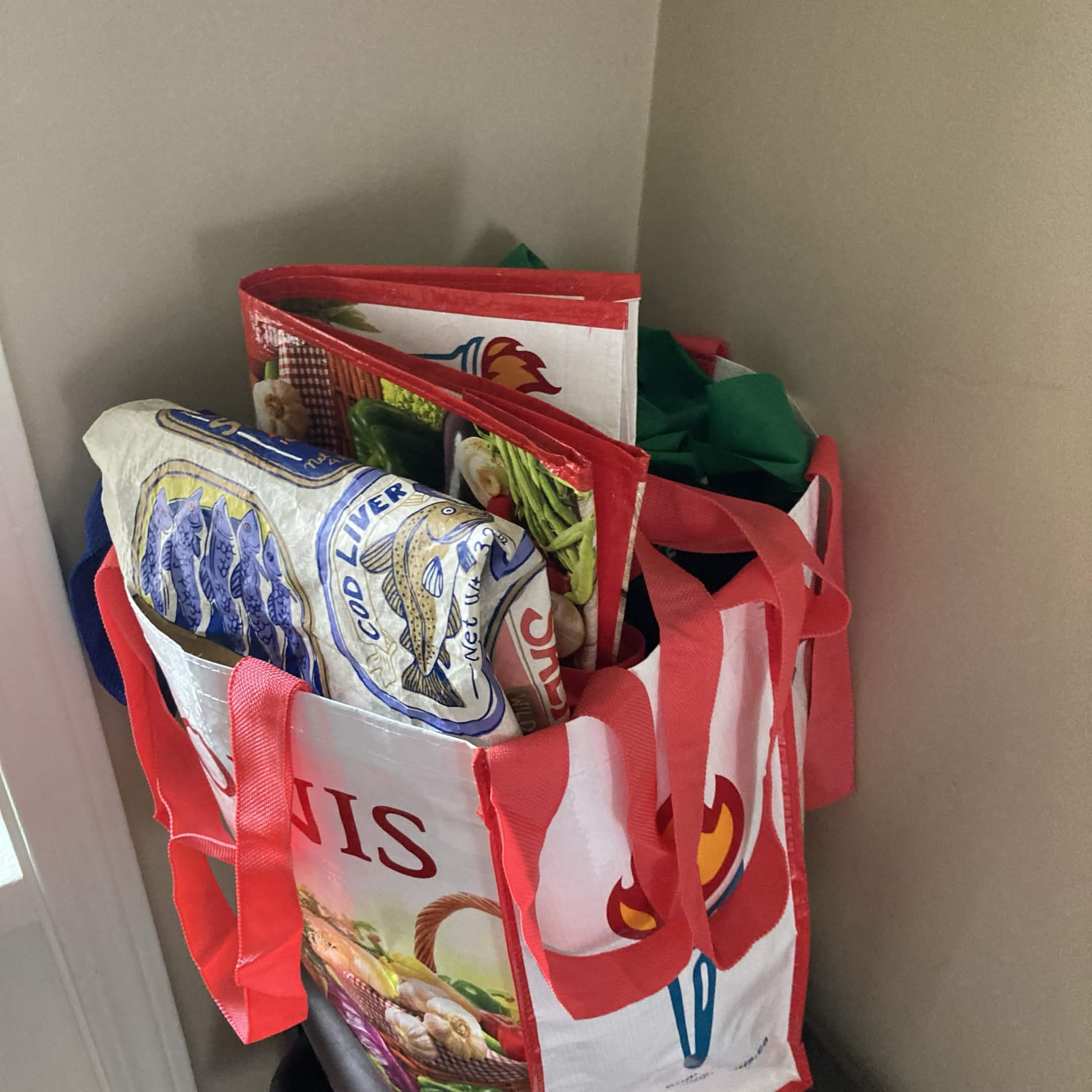
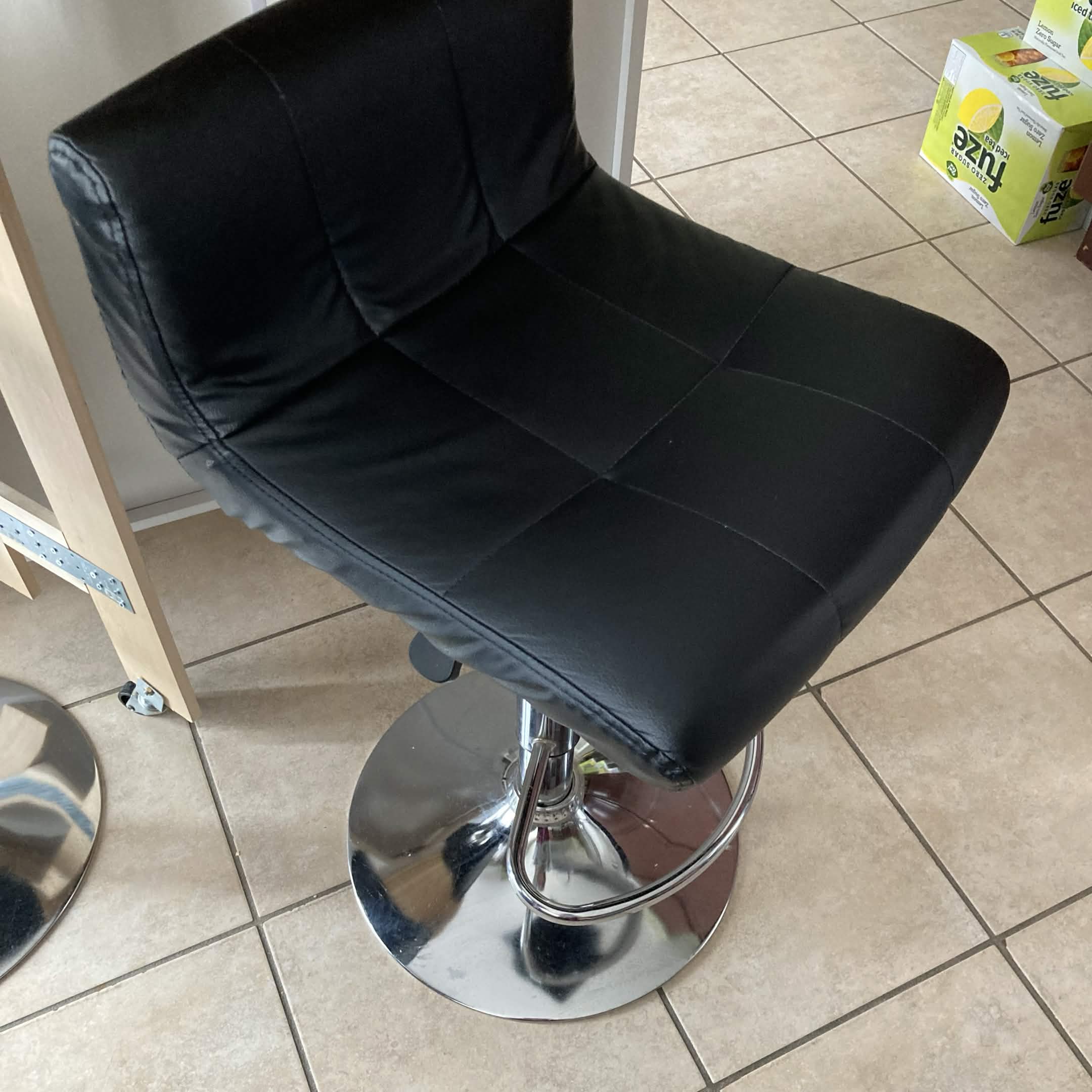
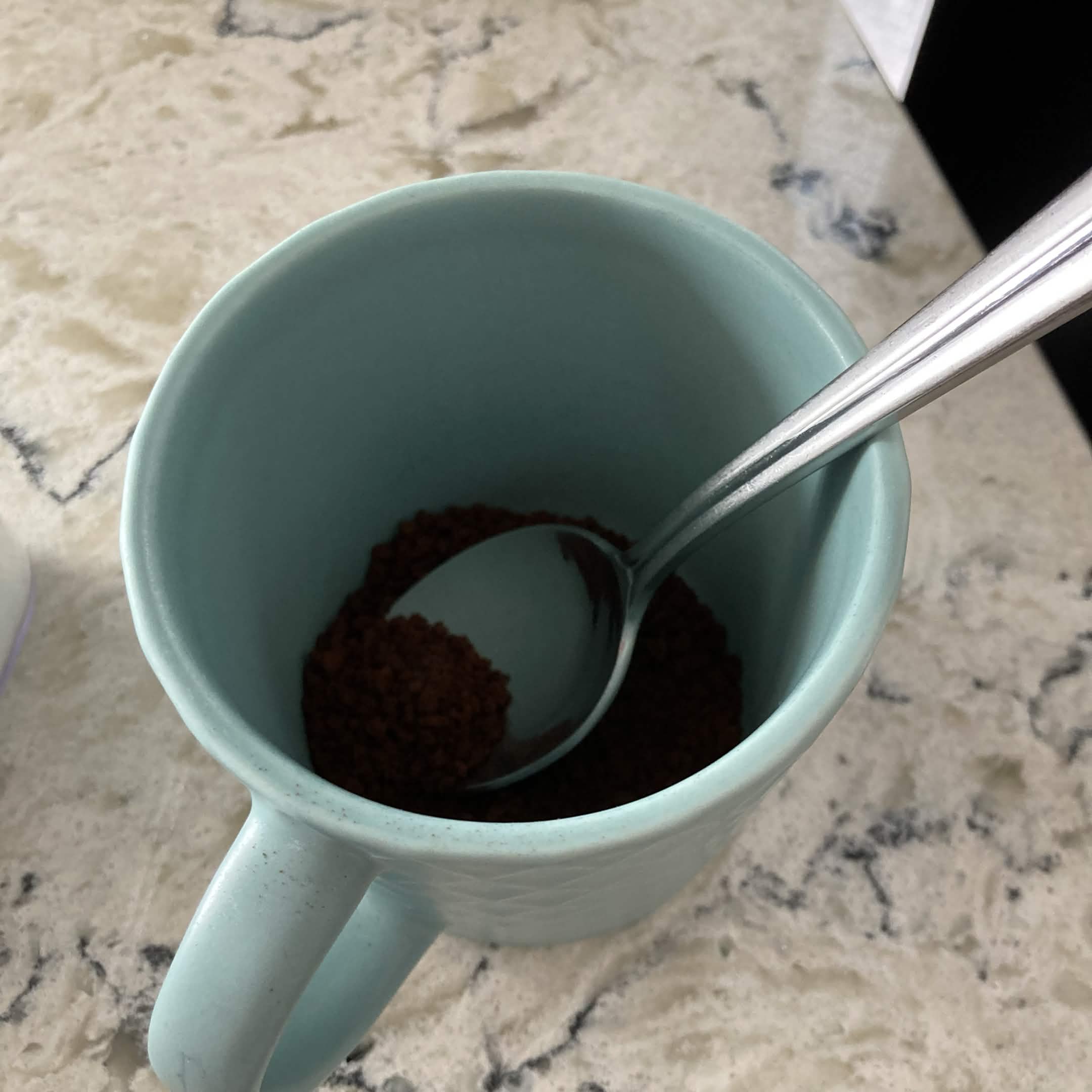
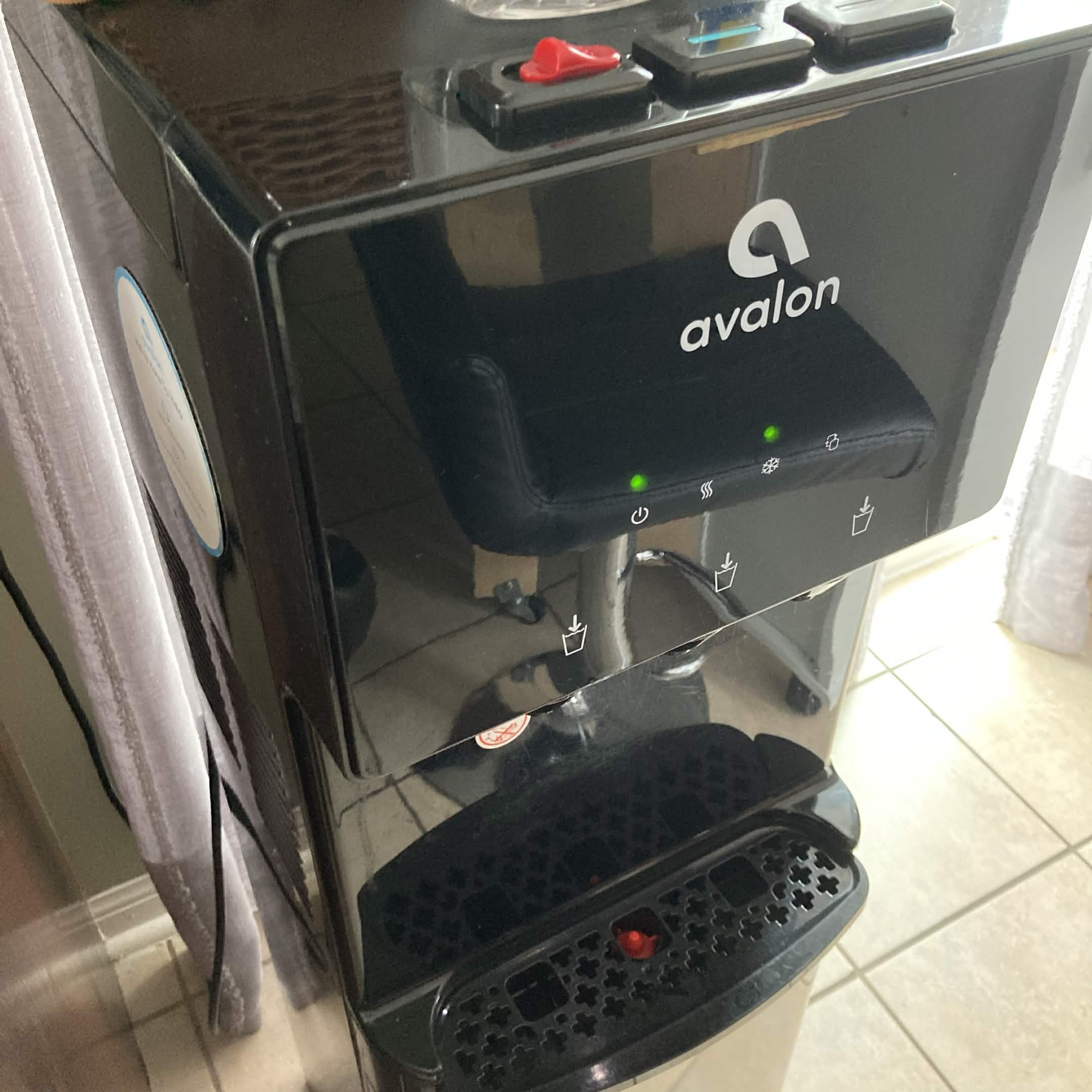
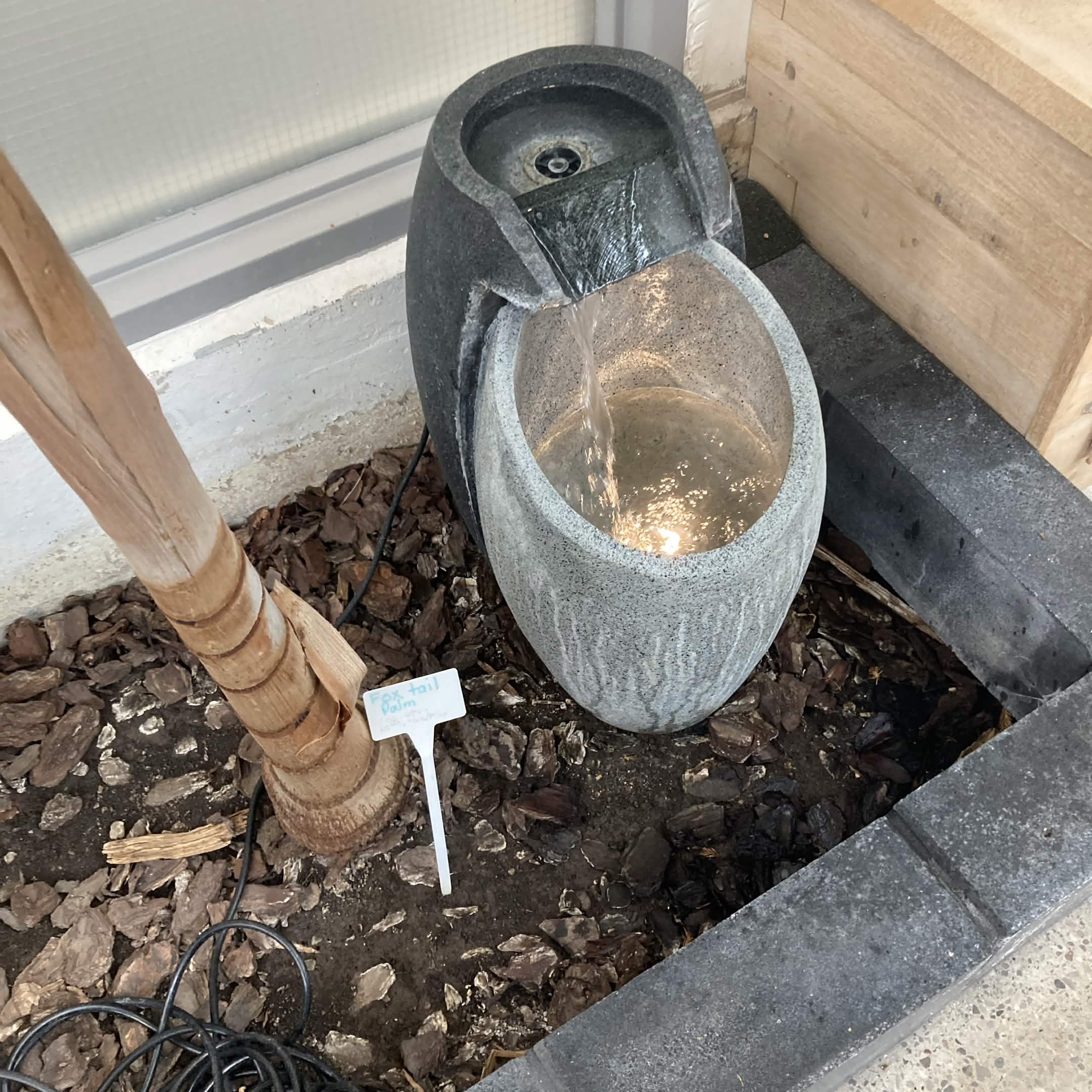
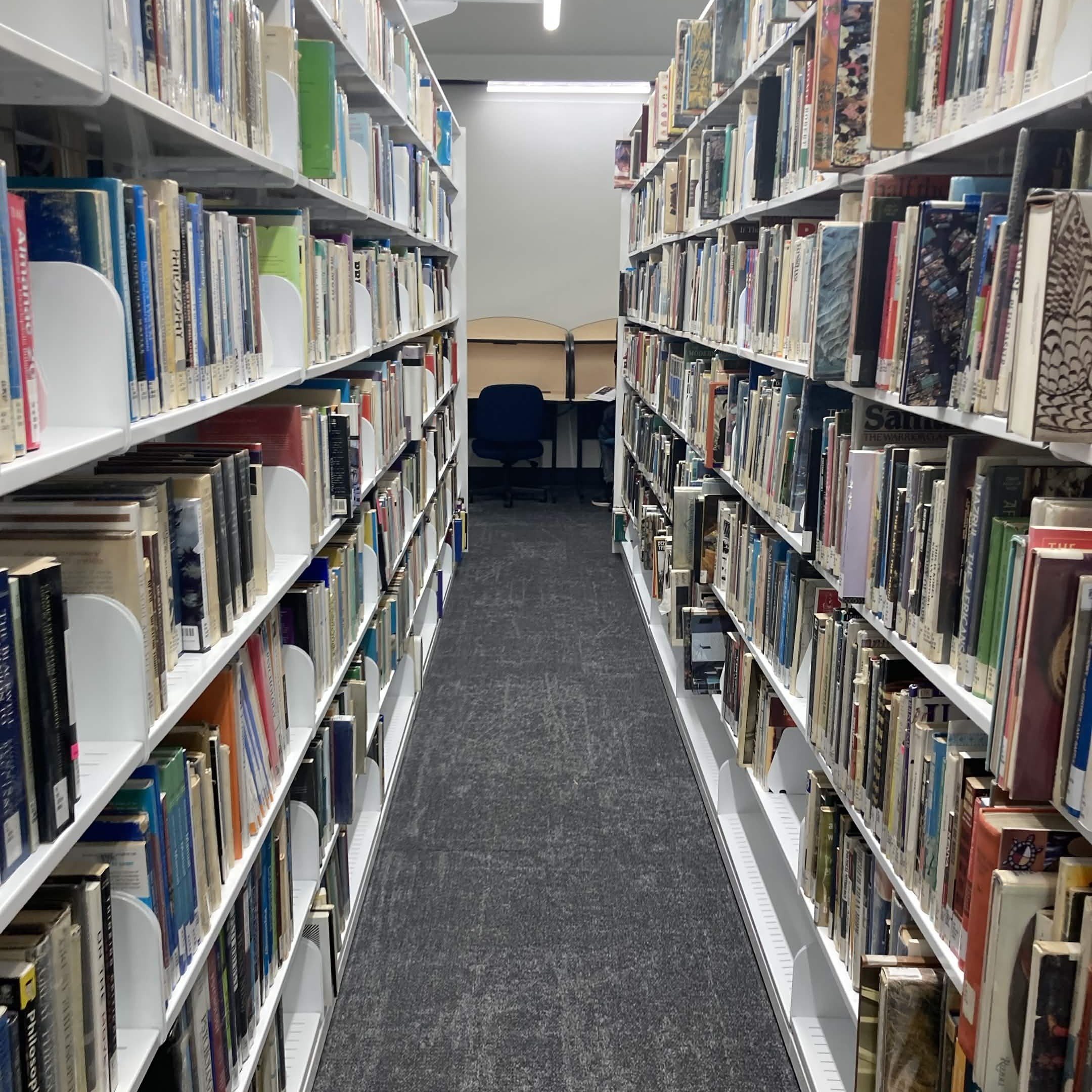
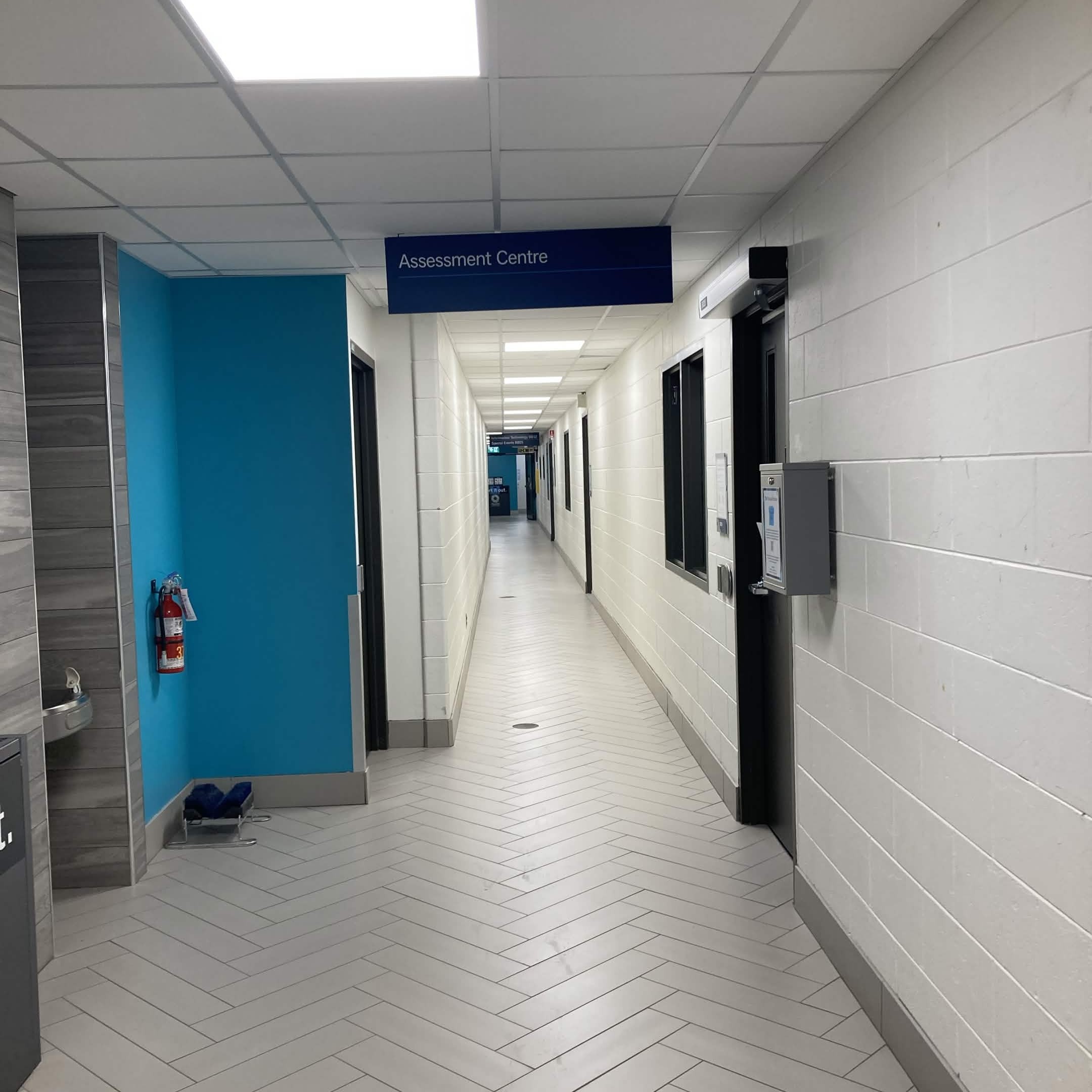
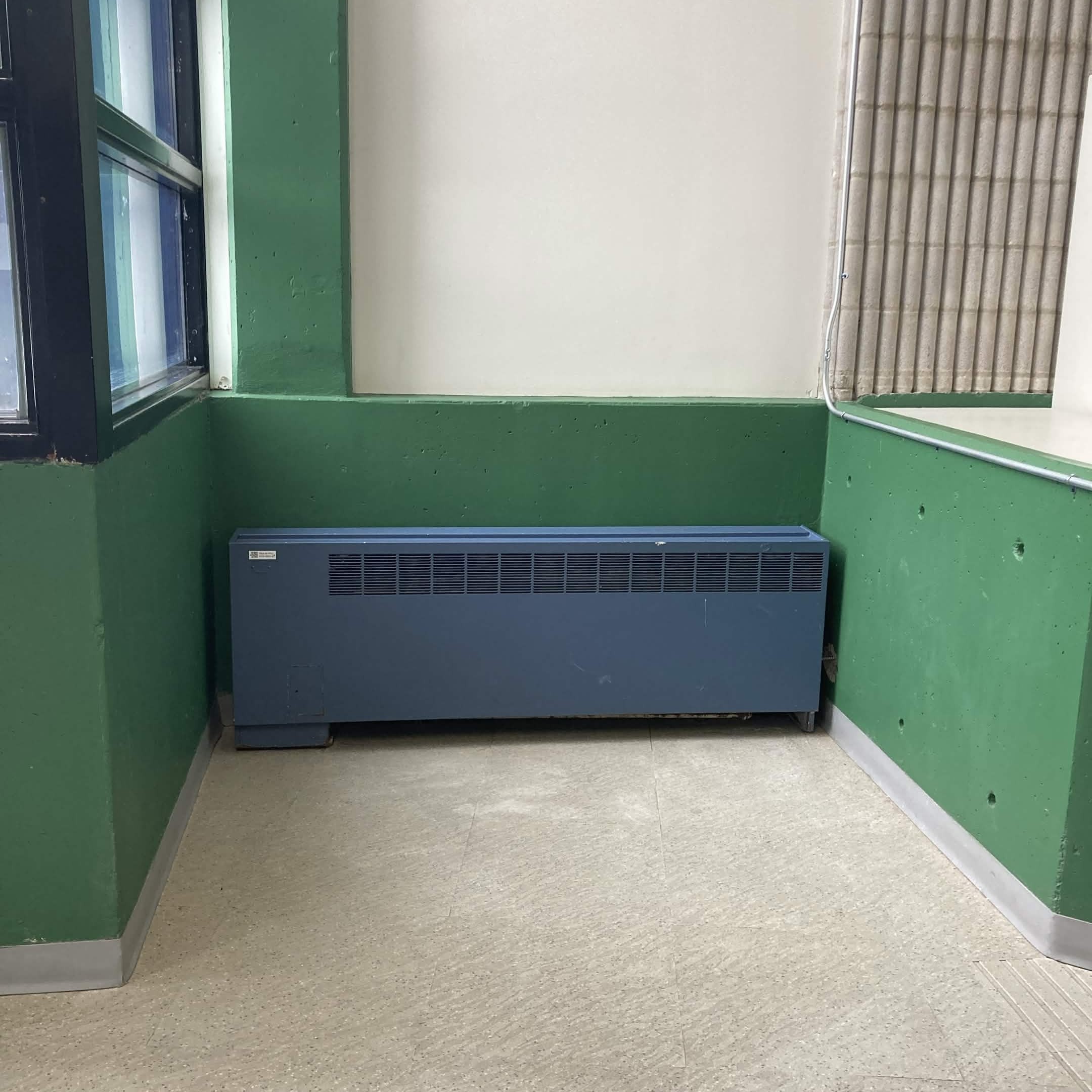
light switch sound<br><audio controls src='/audio/1.m4a'></audio> white noise in hallway<br><audio controls src='/audio/2.m4a'></audio> kettle boiling<br><audio controls src='/audio/3.m4a'></audio> candy wrapper sounds<br><audio controls src='/audio/4.m4a'></audio> book flipping sounds<br><audio controls src='/audio/5.m4a'></audio> rumaging through my coloured pencils<br><audio controls src='/audio/6.m4a'></audio> doorknob sound<br><audio controls src='/audio/7.m4a'></audio> washing machine buttons<br><audio controls src='/audio/8.m4a'></audio> box sounds<br><audio controls src='/audio/9.m4a'></audio> rumaging through plastic bags I found by the front door<br><audio controls src='/audio/10.m4a'></audio> opening and grabbing vitamin gummy<br><audio controls src='/audio/11.m4a'></audio> barstool creaking sounds<br><audio controls src='/audio/12.m4a'></audio> scooping instant coffee and putting it in mug<br><audio controls src='/audio/13.m4a'></audio> water cooler sounds<br><audio controls src='/audio/14.m4a'></audio> Library water fountain<br><audio controls src='/audio/15.m4a'></audio> walking in library and grabbing book off metal shelf<br><audio controls src='/audio/16.m4a'></audio> walking outside sounds in the cold and wind<br><audio controls src='/audio/17.m4a'></audio> hallway in campus ambience and walking sounds<br><audio controls src='/audio/18.m4a'></audio> loud radiator sounds<br><audio controls src='/audio/19.m4a'></audio> tangle spray bottle spritzing<br><audio controls src='/audio/20.m4a'></audio> walking on carpet footstep sounds<br><audio controls src='/audio/21.m4a'></audio> zipper sounds<br><audio controls src='/audio/22.m4a'></audio> sound of ruffling duvet<br><audio controls src='/audio/23.m4a'></audio> typing sounds<br><audio controls src='/audio/24.m4a'></audio> writing on a paper<br><audio controls src='/audio/25.m4a'></audio>

Activity 2

This sketch is an iteration of one of the tutorial examples. It includes 3 different oscilators each with a different ADSR envelope. Another iteration of the tutorial code that changes the colour of the visualization and uses a different ADSR envelope. Two oscillators each with their own bars to control their frequencies and a play and pause button. An oscillator slider with a bar to control the frequency and a button to play or pause the audio. I added a background and wind chime audio as well as nature sounds to create an ambient scene. This was an iteration of one of the tutorial codes where clicking on the canvas plays audio. A volume slider paired with clicking to pause or play audio. This square rotates according to the volume and speed sliders. The sliders control the audio's speed and the audio's volume. Clicking on the canvas pauses and unpauses the audio. Pressing S on the canvas begins the oscillator. It spawns shapes and with each shape created a new oscilator note plays in a different pitch. The range can be controlled to create lower or higher pitched notes or to add a larger variety. This is a kaleidoscope sound visualization that plays different oscillator frequencies as the user holds down their mouse and draws the kaleidoscope artwork. This is an iteration of the mic analysis tutorial code. I changed the shapes to create a new and interesting visualization for the mic frequency analyzer. This sketch changes the circle's colour according to the volume of the audio input. This sketch is an iteration of one of the tutorial codes. The visuals are tweaked and a ping sound plays when the shapes overlap. This sketch analyzes mic input and the circles vibrate accordingly. The circles move up and down higher or lower with the volume. Iteration of tutorial code with changes to the visuals and colours as well as the sound sensitivity. Using a function I learned from community code I made it so that the sound visualization spawns all over the canvas to create a unique sound visualization controlled by mic input volume. This is an iteration of tutorial code that includes two of the circle visualizations with a higher sensitivity to mic input I created a face with a circle for the mouth that moves according to the volume of mic input. This is another iteration of my mic analyzer face code in blue and it uses a triangle instead of a circle for feedback. I also created a variant expression. An iteration of one of the code examples provided in the tutorial. I edited some of the constraint factors and tweaked the visualization to look different from the original. Another iteration of the tutorial code with the overlapping shapes. The visualization changes colours according to the slider volume and speed of the song. An edited community code that I changed to include all 4 oscillator envelopes. This is an iteration of the tutorial code with higher volume input sensitivity and added more circles to create a more defined visual effect with the circles. This is a community sketch that utilizes different frequency and volume analyzers. I found the combination of all the analyzers very visually interesting and decided to replace the audio to test the sketch out. A mic input analyzer, the line moves as it takes mic input and peaks with higher volume. A community sketch that creates an iris out of analyzing the frequency of the song tied to the sketch. I changed the colour and added some meditation music. The sketch manipulates the amplification as well.

Project 2


Final Project 2 Design

P5 Interactive Audio Web Header Portfolio


Click here to see it working on my server
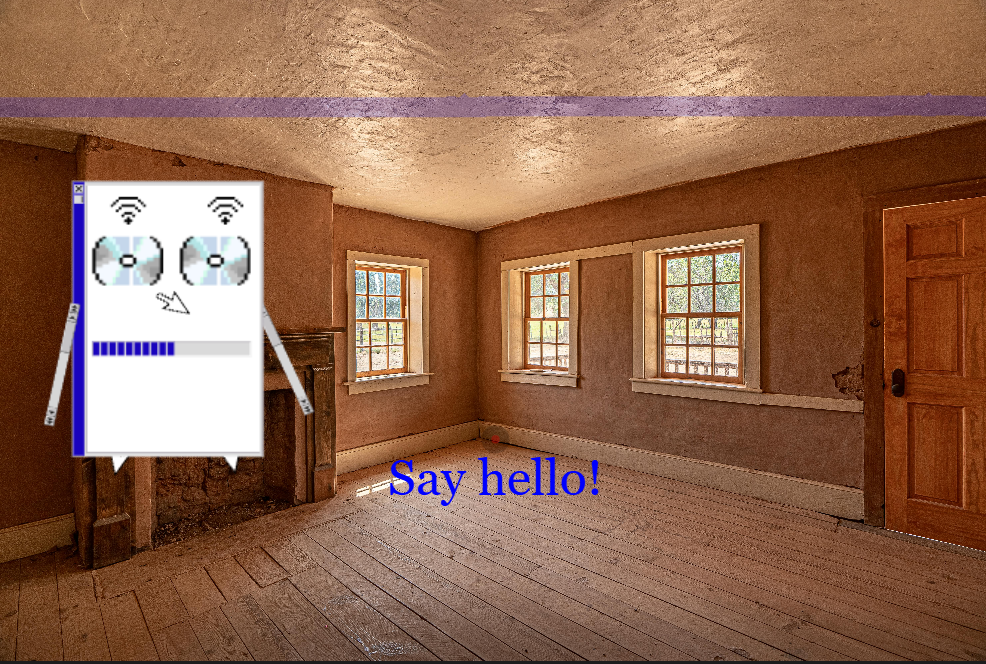
Final sound header made with Rivescript in P5js.

×

Powered by w3.css